
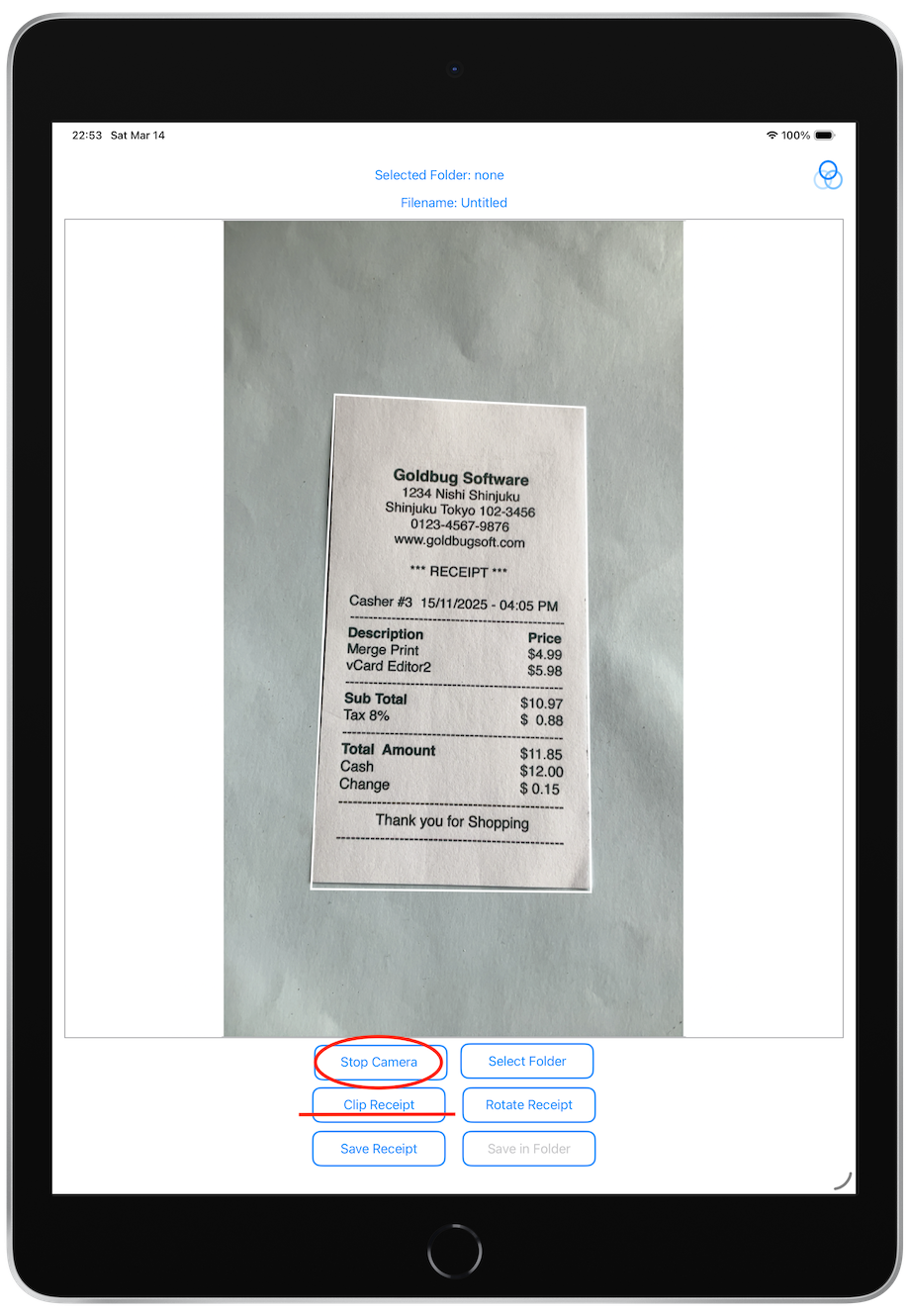
How to detect Date and Time
Save My Receipt detect the date and time from the string read from the receipt in the following way:
Find a 4-digit number。
Finding a date in ISO 8601 format
For example: "2022-09-04T16:07:48.53"
If the OS region code is "GB":
Find a date in the following format: "dd/MM/yyyy HH:mm" or "dd-MM-yyyy HH:mm"
In this case, dd represents the day, MM represents the month, yyyy represents the year in four digits, and HH:mm represents the hour and the minute.
For example: "15/11/2005 04:50"
If the OS region code is not "JP":
Find a date in the following format: "MM/dd/yyyy HH:mm" or "MM-dd-yyyy HH:mm"
For example: "11/15/2005 04:50"
If the date cannot be detected using the above method
Search for the following date and time formats in order:
- "yyyy/MM/dd HH:mm"
- "yyyy-MM-dd HH:mm"
- "yyyy年MM月dd日 HH:mm"
If the above conditions are not met, for example if the year is two digits instead of four, the date extraction will fail.
In reality, the date may contain a string indicating the day of the week, and this is removed before making the decision.。